The Machine Readers Are Here — Is Your Next.js Site Ready?
AI crawlers, LLMs, and search engines are all reading your site. Here's how to make sure Next.js is set up to handle them properly — from metadata and sitemaps to structured data.
The Machine Readers Are Here — Is Your Next.js Site Ready?
SEO was already something you couldn't afford to ignore. But something shifted. It's not just Google's crawlers anymore — AI systems, large language models, and a growing fleet of automated readers are scanning the web constantly, parsing your content, deciding whether your site is worth surfacing. Getting your setup right has never mattered more.
The good news? If you're building with Next.js, everything you need is already there. Here's how to set it up properly, from the big picture down to the details.
Think in Two Layers
Before we touch any code, it helps to frame SEO in Next.js as two distinct layers: per-page settings and global settings.
Per-page settings are things that need to be unique to each route — your title, description, OpenGraph tags, Twitter card data, and structured data (JSON-LD). Global settings are things that apply across your whole site: your robots.txt and your sitemap.
There's also a third dimension that's more about how you build than what you configure. Things like using next/image with descriptive alt texts and meaningful file names, using next/font, avoiding layout shifts, lazy loading components, and keeping client-side JavaScript lean. These aren't just nice-to-haves — they directly affect how crawlers perceive and rank your pages.
Start with Solid HTML Structure
Before any metadata matters, your HTML needs to be right. Search engines and AI crawlers use your markup to understand how your content is organized.
That means one <h1> per page, a clean heading hierarchy from h1 through h2 and h3, and semantic tags in the right places — <main>, <section>, <article>, <nav>. Clean URL slugs like /blog/nextjs-seo-guide help too, as does internal linking with descriptive anchor text. These are the foundations everything else rests on.
Per-Page Metadata: Where Most of the Work Happens
Title
Next.js gives you a clean system for titles. In your root layout.tsx, you define a default title and a template. The template acts as a wrapper — a suffix for any child route that sets its own title:
// layout.tsx
import type { Metadata } from "next";

export const metadata: Metadata = {
  title: {
    default: "Dean Stavenuiter | Full Stack Developer & OutSystems Expert",
    template: "%s | Dean Stavenuiter",
  },
};
One thing to keep in mind: the template only applies to child routes that define their own title. The route where you define the template itself won't use it — and a page file can't define a template at all, since pages are always the end of the chain.
Then on any given page:
// page.tsx
import type { Metadata } from "next";
import Header from "@/components/Header";
import Content from "@/components/Content";
import Footer from "@/components/Footer";

export const metadata: Metadata = {
  title: "How to implement the most important SEO settings in Next.js",
};

export default function Page() {
  return (
    <>
      <Header />
      <Content />
      <Footer />
    </>
  );
}
Next.js stitches those together automatically: How to implement the most important SEO settings in Next.js | Dean Stavenuiter.
Description
Keep it short, accurate, and specific to the page:
import type { Metadata } from "next";

export const metadata: Metadata = {
  description:
    "Full Stack Developer specializing in Next.js, React, OutSystems, and modern web technologies. Building enterprise applications and innovative web solutions.",
};
OpenGraph & Twitter Card
OpenGraph is what powers those rich previews when someone drops your link into LinkedIn or Slack. Twitter/X has its own card format. Both are worth setting up properly, especially if content distribution is something you care about:
import type { Metadata } from "next";

export const metadata: Metadata = {
  openGraph: {
    type: "website",
    locale: "en_US",
    url: "https://www.deanstavenuiter.nl",
    title: "Dean Stavenuiter | Full Stack Developer & OutSystems Expert",
    description:
      "Full Stack Developer specializing in Next.js, React, OutSystems, and modern web technologies. Former Michelin-starred chef turned developer.",
    siteName: "Dean Stavenuiter Portfolio",
    images: [
      {
        url: "/dean-stavenuiter.webp",
        width: 1200,
        height: 630,
        alt: "Dean Stavenuiter is a Full Stack Developer specialised in web applications and OutSystems Enterprise applications",
      },
    ],
  },
  twitter: {
    card: "summary_large_image",
    title: "Dean Stavenuiter | Full Stack Developer & OutSystems Expert",
    description:
      "Full Stack Developer specializing in Next.js, React, OutSystems, and modern web technologies.",
    images: ["/dean-stavenuiter.webp"],
    creator: "@deanstavenuiter",
  },
};
Structured Data (JSON-LD): Helping Machines Understand Context
This is where it gets interesting. Structured data doesn't directly boost your ranking, but it tells crawlers what your page means, not just what it says. And if Google decides your structured data qualifies for a rich snippet, you end up with a much more eye-catching search result — which means more clicks.
You inject it directly into your page component as a script tag:
// page.tsx
import type { Metadata } from "next";
import Header from "@/components/Header";
import Content from "@/components/Content";
import Footer from "@/components/Footer";

export default function Page() {
  const jsonLd = {
    "@context": "https://schema.org",
    "@type": "Person",
    name: "Dean Stavenuiter",
    url: "https://www.deanstavenuiter.nl",
    image: "https://www.deanstavenuiter.nl/dean-stavenuiter.webp",
    jobTitle: "Full Stack Developer",
    worksFor: {
      "@type": "Organization",
      name: "HSO",
    },
    description:
      "Full Stack Developer specializing in Next.js, React, OutSystems, and modern web technologies. Former Michelin-starred chef turned developer.",
    sameAs: [
      "https://github.com/deanstavenuiter",
      "https://linkedin.com/in/deanstavenuiter",
    ],
    knowsAbout: [
      "Next.js",
      "React",
      "TypeScript",
      "JavaScript",
      "OutSystems",
      "AWS",
      "Prisma",
      "MongoDB",
      "Full Stack Development",
      "Web Development",
    ],
    alumniOf: {
      "@type": "EducationalOrganization",
      name: "Iron Hack",
    },
  };

  return (
    <>
      <script
        type="application/ld+json"
        dangerouslySetInnerHTML={{ __html: JSON.stringify(jsonLd) }}
      />
      <Header />
      <Content />
      <Footer />
    </>
  );
}
Common schemas worth knowing: Organization, Website, Article for blog posts, Product for e-commerce pages. Breadcrumb and FAQ schemas are high-impact additions that can noticeably change how your pages appear in search results.
Always validate before shipping. Two tools to bookmark:
- validator.schema.org — validates the schema itself
- search.google.com/test/rich-results — checks whether Google can use it as a rich snippet
The Optional-but-Not-Really Fields
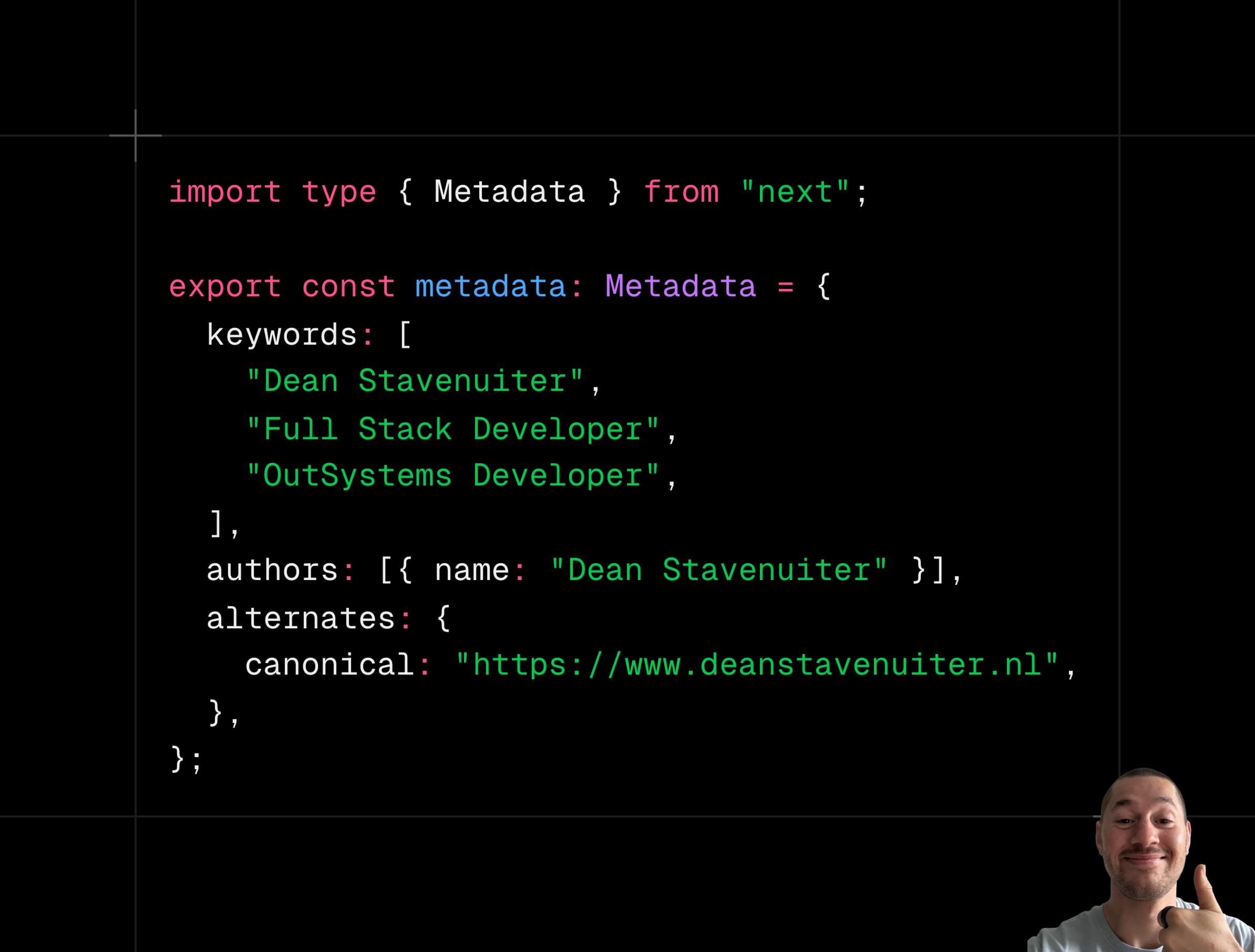
Keywords, authors, and canonical URLs round out the per-page setup:
import type { Metadata } from "next";

export const metadata: Metadata = {
  keywords: [
    "Dean Stavenuiter",
    "Full Stack Developer",
    "OutSystems Developer",
  ],
  authors: [{ name: "Dean Stavenuiter" }],
  alternates: {
    canonical: "https://www.deanstavenuiter.nl",
  },
};
Canonicals are easy to overlook, but they matter — they prevent duplicate content issues when the same page is reachable via multiple URLs.
Global Configuration: Robots & Sitemap
Robots.txt
Your robots.txt tells crawlers which parts of your site they're allowed to explore. You can drop a plain text file directly in the app folder, or generate it dynamically with a robots.ts file — the latter gives you more control:
// app/robots.ts
import type { MetadataRoute } from "next";

export default function robots(): MetadataRoute.Robots {
  return {
    rules: {
      userAgent: "*",
      allow: "/",
      disallow: "/private/",
    },
    sitemap: "https://deanstavenuiter.nl/sitemap.xml",
  };
}
One common mistake: blocking pages that should be crawled. Always double-check your disallow rules before you deploy.
Sitemap
For smaller sites, a static sitemap.xml in the root of the app works fine:
<urlset xmlns="http://www.sitemaps.org/schemas/sitemap/0.9">
  <url>
    <loc>https://deanstavenuiter.nl</loc>
    <lastmod>2026-04-06T15:02:24.021Z</lastmod>
    <changefreq>yearly</changefreq>
    <priority>1</priority>
  </url>
  <url>
    <loc>https://deanstavenuiter.nl/about</loc>
    <lastmod>2026-04-06T15:02:24.021Z</lastmod>
    <changefreq>monthly</changefreq>
    <priority>0.8</priority>
  </url>
  <url>
    <loc>https://deanstavenuiter.nl/blog</loc>
    <lastmod>2026-04-06T15:02:24.021Z</lastmod>
    <changefreq>weekly</changefreq>
    <priority>0.5</priority>
  </url>
</urlset>
I prefer generating it programmatically though — it scales cleanly, and for any project with dynamic content like blog posts it becomes essential. Here's a pattern that fetches blog slugs from a database and merges them with your static routes:
// app/sitemap.ts
import { MetadataRoute } from "next";
import prisma from "@/lib/prisma";

export default async function sitemap(): Promise<MetadataRoute.Sitemap> {
  const baseUrl = "https://www.deanstavenuiter.nl";

  let blogPostRoutes: MetadataRoute.Sitemap = [];
  try {
    const posts = await prisma.post.findMany({
      where: { published: true },
      select: { slug: true, updatedAt: true },
    });

    blogPostRoutes = posts.map((post) => ({
      url: `${baseUrl}/blog/${post.slug}`,
      lastModified: post.updatedAt,
      changeFrequency: "monthly" as const,
      priority: 0.8,
    }));
  } catch (error) {
    console.error("Error fetching posts for sitemap:", error);
  }

  const staticRoutes: MetadataRoute.Sitemap = [
    {
      url: baseUrl,
      lastModified: new Date(),
      changeFrequency: "monthly",
      priority: 1,
    },
    {
      url: `${baseUrl}/blog`,
      lastModified: new Date(),
      changeFrequency: "weekly",
      priority: 0.9,
    },
  ];

  return [...staticRoutes, ...blogPostRoutes];
}
No database? Same pattern works with slugs from a local file or a CMS.
Mistakes Worth Avoiding
A few things that quietly kill SEO and are easy to miss:
- Duplicate titles or descriptions — each page needs its own unique values
- Missing metadata on any route, even the ones that feel minor
- Blocking crawlable pages in your robots file by accident
- Slow pages — performance is a ranking signal, and Next.js gives you the tools to avoid this
- No sitemap, or one that doesn't update when content changes
One Last Thing: Use SSR and SSG
Next.js really shines here. Crawlers can't reliably run JavaScript the way a browser can, so pages that render entirely on the client often get poorly indexed. Lean into Server Side Rendering (SSR) and Static Site Generation (SSG). Your pages will be fully readable the moment a crawler arrives, with no waiting for hydration.
Get these pieces in place and your Next.js site will be well-positioned for both traditional search engines and the AI-powered readers that are increasingly shaping how content gets discovered. The web is being read by machines more than ever. Make sure yours speaks their language.